Menu
The recipe costing app for café and bakery owners
Your menu costs.
Clearly.
Skip the spreadsheet. Enter ingredient prices and amounts on your phone to see what one menu item costs. Update a price, and your linked recipes update too.
No account needed · Works offline
How to start
Start with one menu item
-
Pick one item
Your best seller, or the one whose price you're least sure about.
-
Add the ingredients
Name, purchase price, amount used. The app does the math.
-
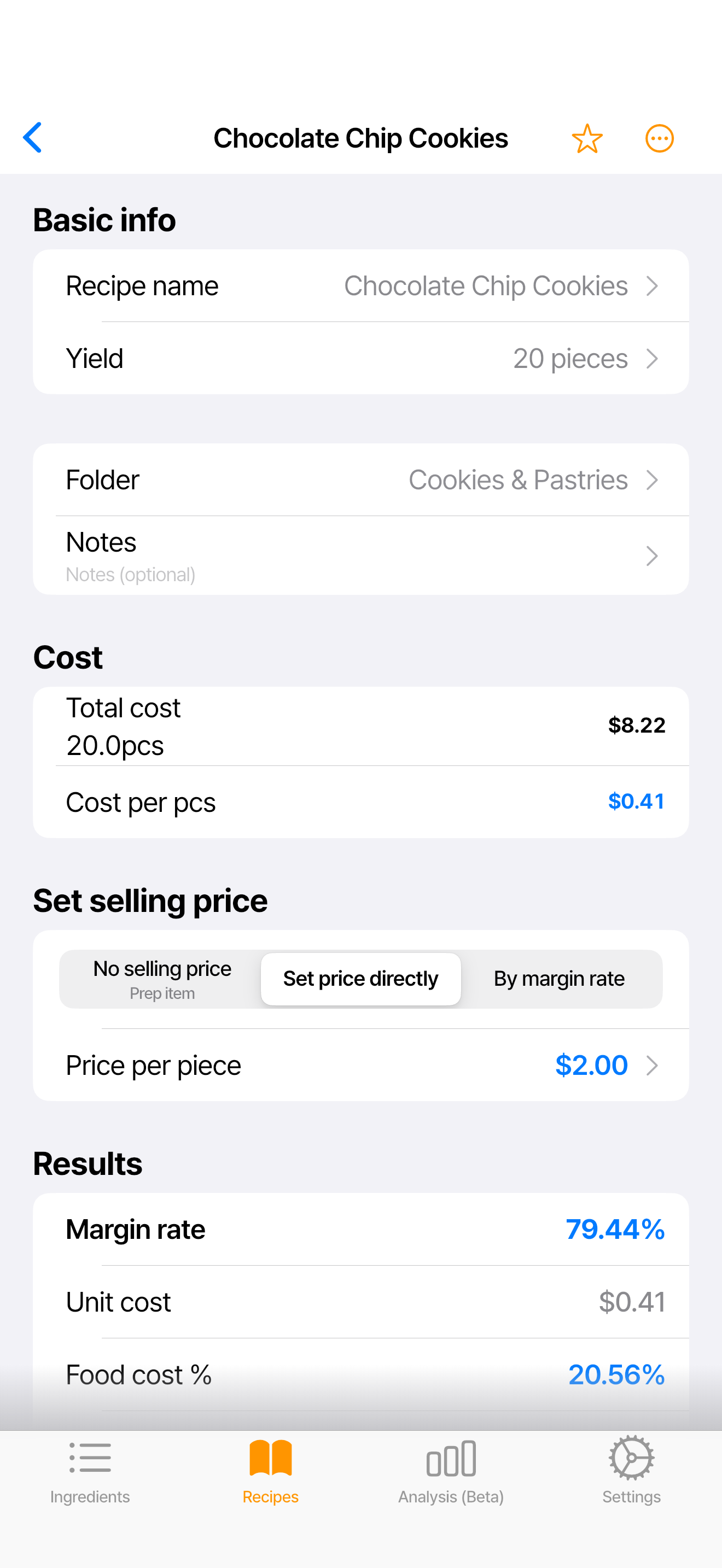
Read the numbers
Cost per piece and what is left at your current price, on one screen. You decide the price.
Real screens · 01
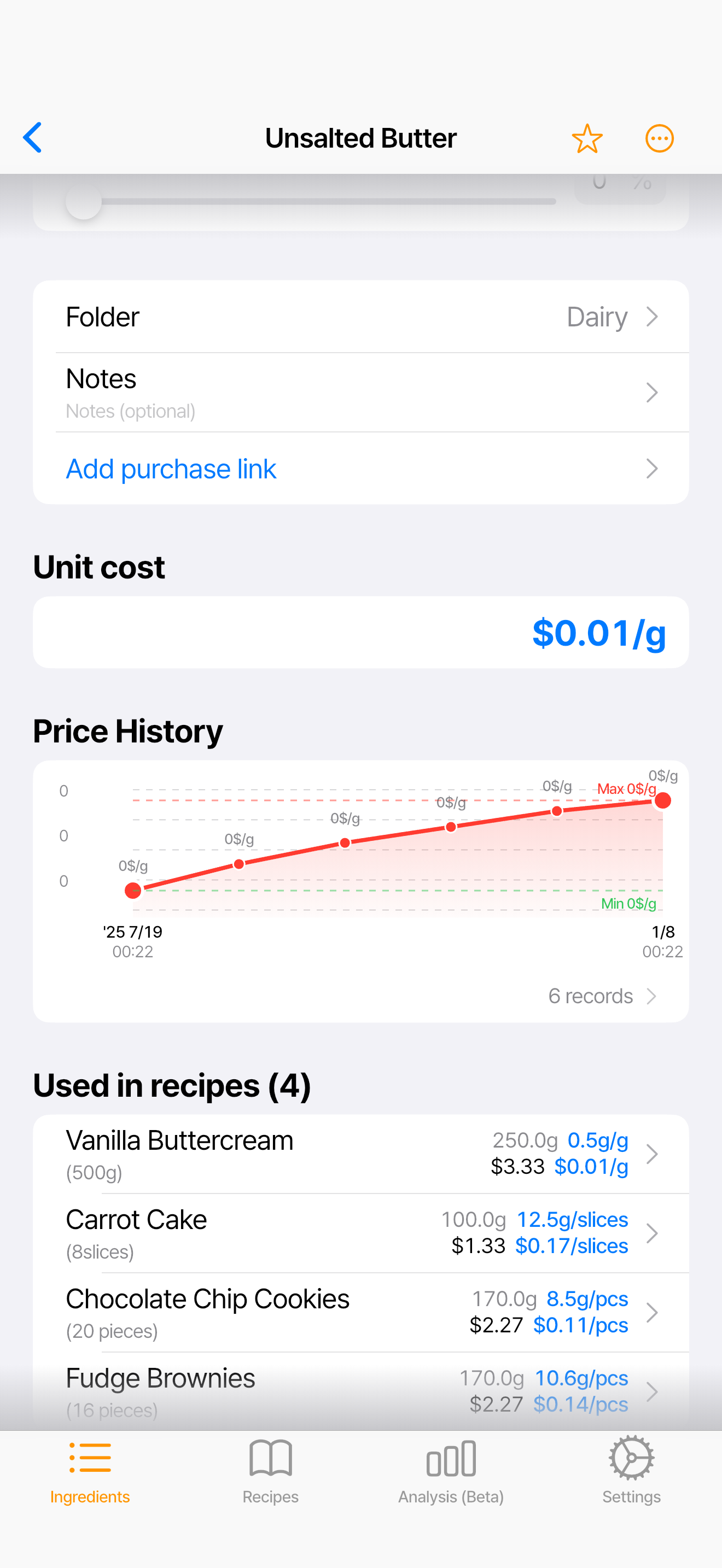
Price hikes, handled
When milk goes up, change the price in one place. Every recipe that uses it updates automatically.
Real screens · 02
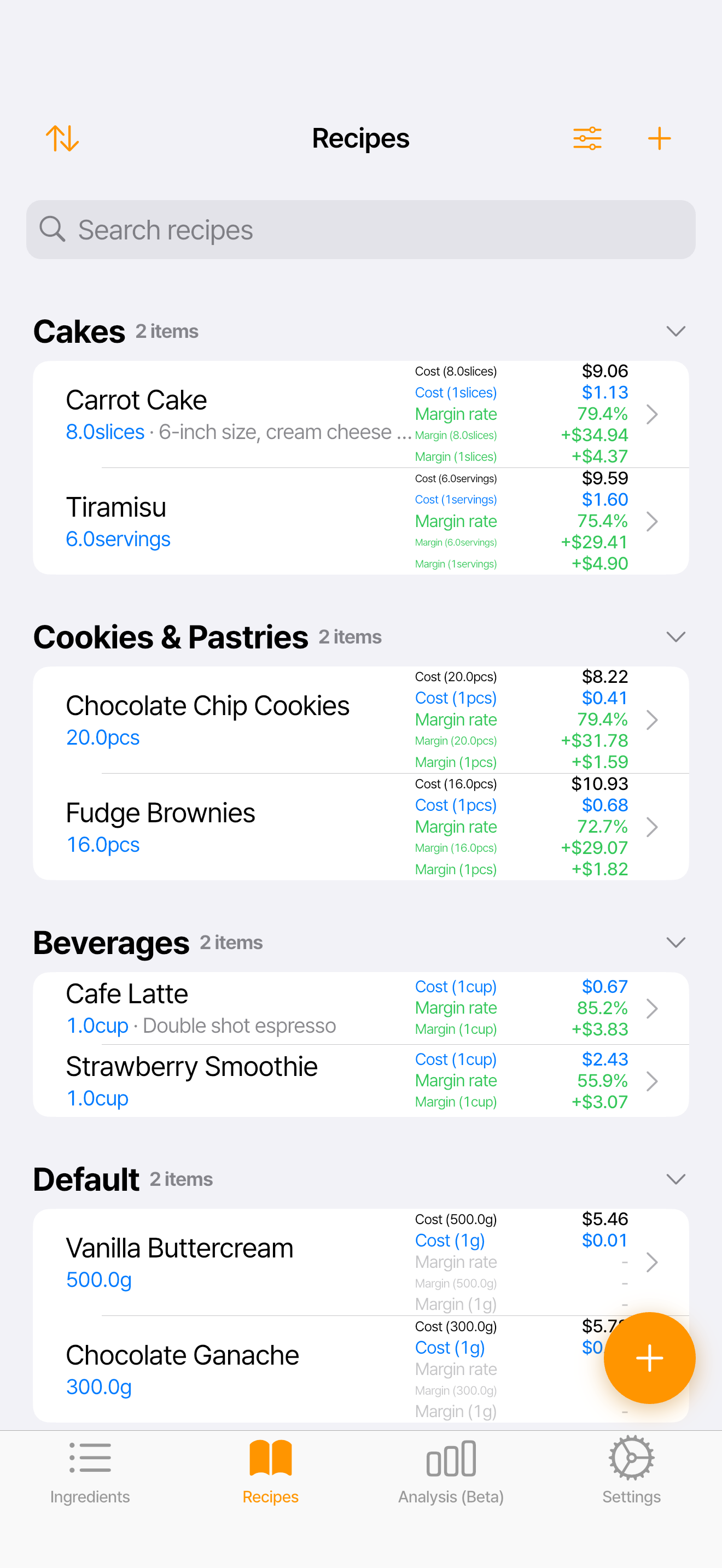
What is left, per menu item
Keep your recipes together. Compare each menu item’s ingredient cost and what is left at your current price.
Data & privacy
Your data, your choice
-
On your device by default
Your recipes and cost data are stored on the device you are using by default.
-
Cloud sync is your choice
Nothing syncs until you turn it on.
-
Not sold, not used to train AI
Full details are in the privacy policy.
FAQ
Frequently asked questions
Where is my recipe data stored and how is it protected?
Ingredients, recipes, and prices are stored on the device you are using by default. If you turn on sync, key business data is encrypted on your device before it is sent over a secure connection, except for the metadata needed to run sync and manage access. Limited usage and stability data may be processed separately as the privacy policy describes; your stored data is not used to train AI models, and we do not share it with advertising networks.
Do I need an account or cloud sync?
No. The core costing features work on your device without signing in or syncing.
How much does the app cost?
You'll find the latest pricing and billing details on the App Store and Google Play.
I already track this in a spreadsheet. Do I have to re-enter everything?
No. Move just one menu item first. Ingredients you enter once are reused across recipes, so every item after that goes faster.
How do refunds and support work?
Refunds follow each store's policy, and support is one email away.

After close tonight,
cost out just one menu item
No account needed · Works offline